
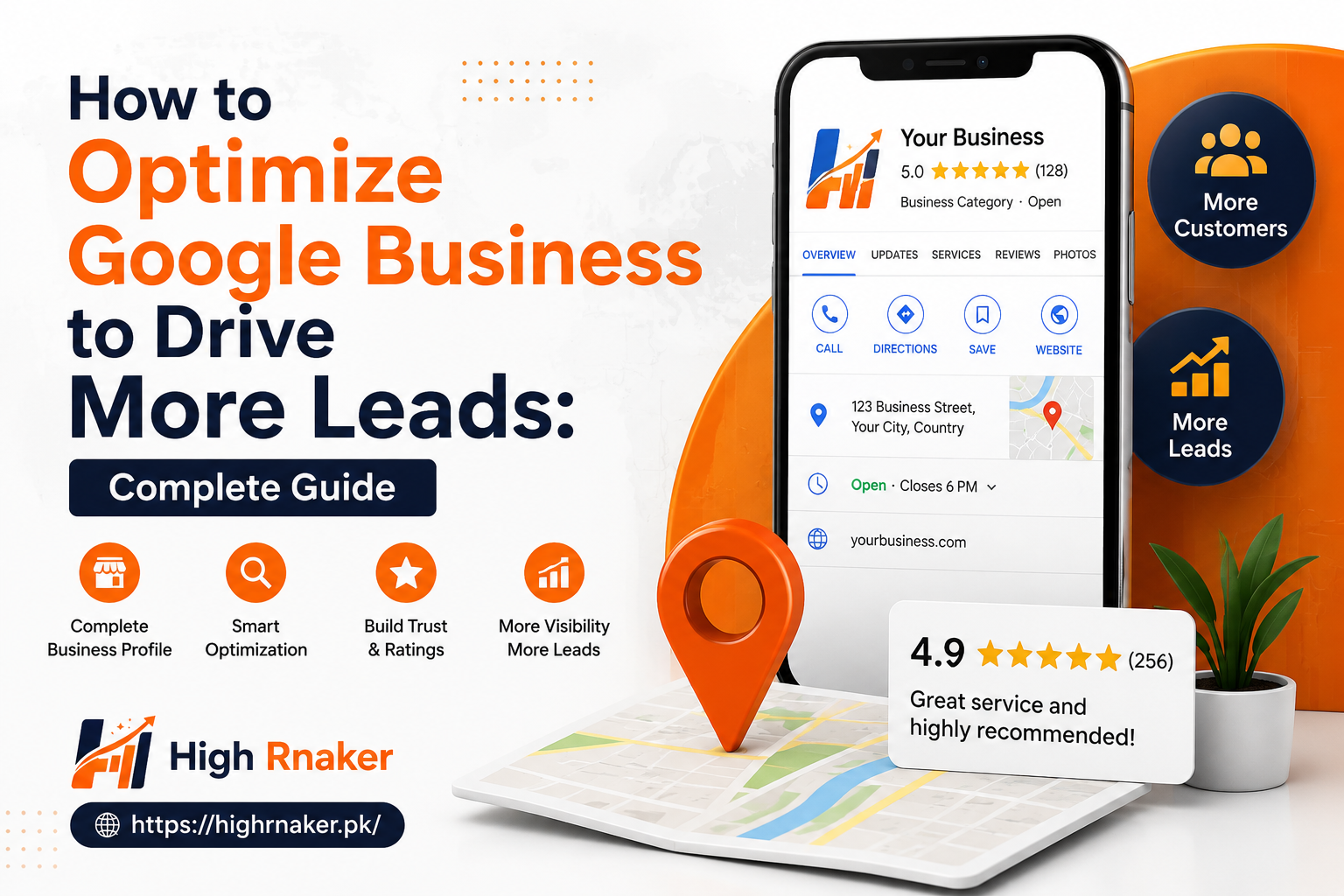
How to Optimize Google Business to Drive More Leads: Complete Guide
For local businesses, showing up when people are searching for products and services nearby can make major difference. Potential customer may search for service on Google, check few local businesses, read reviews and contact one of them within minutes. This is why learning how an optimize Google My Business to drive more leads important for businesses that depend on local customers.
Google My Business is now called an Google Business Profile, but people still use an older name. Your profile acts like digital storefront on Google Search and Maps. When it is properly optimized, it can help the people discover your business, learn about your services, visit your website, call you or request directions.
Claim and Verify Your Business Profile
First step is to claim and verify your Google Business Profile. If you not already done this, search for your business name at Google and check whether profile already exists. If it does, claim and rather than creating another listing.
Verification helps the Google to confirm that business is legitimate and connected to location and services you represent. Once your profile is verified, you can manage the important information, respond to reviews, add photos, publish updates and monitor performance.
Complete Every Important Section
A completion profile gives potential customers more information and makes your business is more professional. Fill in many relevant sections as possible, including your business category, address and service area, phone number, website, opening hours, services and business description.
Your information should be more accurate and consistent. If your website says you close at 6 p.m. but Google profile says 8 p.m. And customers may become more confused. Incorrect information can also lead to missed calls and lost an opportunities. Take some time to review your profile regularly and update information whenever your business changes.
Write a Clear Business Description
Your business description gives you opportunity to explain what you offer and why customers should choose you. Keep it natural, informative and focused on your customers.
Explain what your business does, who you serve, products and services you provide and what makes your company different. You can naturally include an important keywords and location terms where they make sense.
For example, instead of writing an description filled with repeated phrases such as “best SEO services in Lahore,” explain the services you provide and areas you serve. Helpful information is more convincing nor keyword stuffing.
Add High-Quality Photos and Videos
Visual content can make your profile is much more attractive. Customers want to know what your businesses looks like before visiting and contacting you. Add clear, high-quality photos of your storefront, office, team, products, services and completed work. If you are appropriate, you can add short videos that show your products and demonstrate your services.
Try to keep your images in current way. Old and poor-quality photos can make your businesses appear inactive. Regularly to adding the fresh visual content can give potential customers more reasons to explore your profile.
Encourage Genuine Customer Reviews
Reviews are extremely important local businesses because customers are often look at them before making decision. Business with helpful, genuine reviews can create more confidence than one with little and no customer feedback.
Ask satisfied customers to leave the honest reviews after completing purchase or service. Make process simple by providing them with your Google review link when they are appropriate. Do not buy fake reviews and offer rewards to exchange for positive reviews. Instead, focus on providing good customer experience and encouraging genuine feedback.
Respond to Reviews Professionally
Getting reviews is only part of process. You should also respond to them. Thank customers who leave positive feedback and respond professionally negative reviews. If someone has an legitimate complaint, acknowledge problem and explain how you can help resolve it. Avoid arguing with the customers publicly. Calm and helpful response can show the potential customers that your business takes feedback seriously.
Publish Regular Google Updates
Google Business Profile provides opportunities to publish updates. You can use an posts to highlight new services, special announcements, helpful information, events and seasonal offers. These updates can give visitors another reason to interact with your businesses. However, avoid making every post sales pitch. Share useful information and relevant updates that your audience are actually cares about.
Optimize for Local Keywords to Optimize Google Business
When creating to your website and business profile content, think about locations your business serves. Local keywords are help you to connect with people searching for your services in specific areas.
For example, Business serving Lorain County may create useful website content around relevant services and local communities. However, location keywords should be used naturally. Repeating city and county names excessively can make content difficult to read. Your website should support your Google Business Profile by clearly explaining services and service areas.
Make It Easy for Customers to Contact You
Ultimate goal of local optimization is not simply to get the views. You want to get those views to turn into leads. Make sure your phone number works, your website link is correct and your business hours are accurate.
If you are accept appointments, make them booking process easy. If customers are usually contact you by phone, make sure call option is clearly available. Think about customer’s journey from search to contact. Every unnecessary step are creates another opportunity for them to leave.
Track Your Results
You cannot improve what you do not have proper measure. Google Business Profile provides the performance information that can help you to understand how people interact with your listing.
Pay attention to actions such as calls, website visits, direction requests and other customer interactions. You monitor which services and locations are generating most interest. If your profile receives an views but very few calls, you may need to improve your description, photos, reviews, offers and website experience.
Keep Your Profile Updated
Local SEO is not an one-time task. Businesses change their hours, services, locations, contact details and offers. Make sure that your Google Business Profile reflects those changes.
Regularly review on your information, add new photos, respond to reviews, update services and publish the useful posts. Keeping your profile to accurate and active can help to maintain customer trust.
Final Thoughts: Optimize Google Business
Learning how to optimize Google My Business to drive more and more leads is about creating complete and trustworthy local presence. Start by verifying your Google Business Profile to providing accurate business information. Then choose right category, write an useful description, add quality photos, collect genuine reviews, respond to customers and keep your services and updates current.
Most importantly, think about what an potential customer needs when they find your business on the Google. Make it easy for them to understand what you are offer, trust your business and take next step. With consistent optimization and good customer service, your Google Business Profile are become an important source of local traffic, calls and qualified leads.