

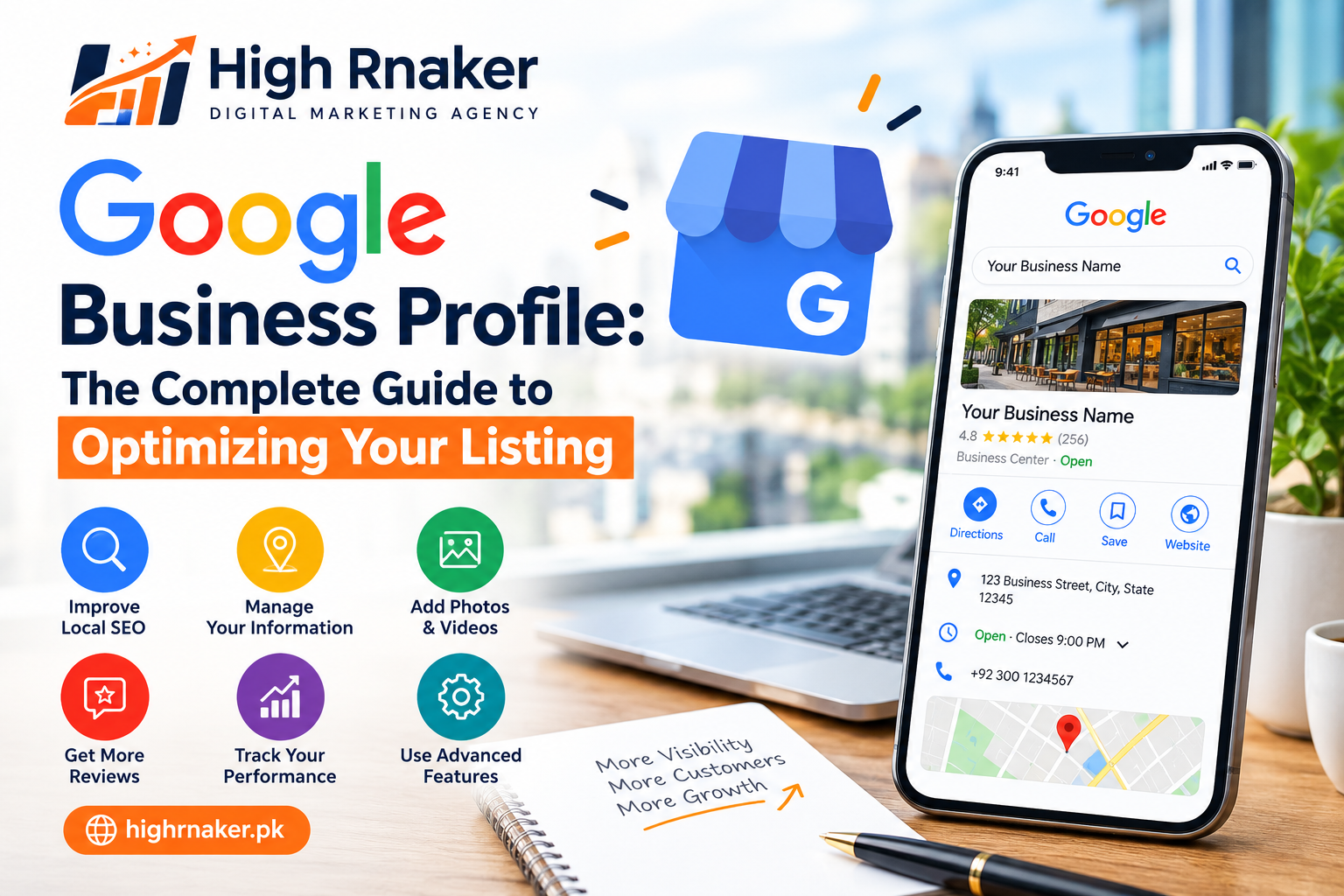
Google Business Profile: The Complete Guide to Optimizing Your Listing
When someone searches for an nearby restaurant, dentist, repair service, shops and other local business, Google are often displays the business information directly in Search and Maps. That information that can include an business name, address, opening hours, phone number, website, photos, reviews and other useful details. Today we will discuss about Google Business Profile.
What Is a Google Business Profile?
Google Business Profile is the Google’s tool for an eligible businesses to manages how they can appear across the Google Search and Maps. Depending on type of business and available features, a profile may display contact details, opening hours, photos, reviews, services, products and other information customers that may want before taking an action.
For an local business, these profiles that can become one of first things an potential customer sees. That makes accuracy especially important. If your phone number that is outdated or your opening hours are wrong, even strong visibility may not lead to an good customer experience.
Complete Your Business Information
Start with these basics. Check your business name, address where are applicable, phone number, website and opening hours. Each details that should represent an real business accurately. Use your actual business name rather than adding an unnecessary keywords, locations and promotional phrases that is simply because you want to appear in more searches.
Choose the Right Business Category
Your primary category that helps to describe what your businesses are actually does. Choose an category that most closely represents to your main activity rather than selecting an something simply because you think that it may attract more searches.
If you are operate an Italian restaurant, for example an appropriate restaurant category that gives the Google and customers clearer context than an broad and unrelated category.
Write a Helpful Business Description
Your business description that gives you more space to explain what the customers can expect. Keep it natural and more informative. Mention your main services and products, the type of customers you serve, and useful details that distinguish your business.
Imagine you run an local furniture store. A helpful description that might explain that you sell beds, mattresses, sofas and wardrobes and mention the relevant delivery and showroom information.
Add Accurate Opening Hours
Few things that frustrate the customers more than traveling to business only to discover that it was closed. Keep your regular hours accurate and update special hours when schedules change for holidays or other events.
If your business has temporarily changes its schedule, review an profile rather than assuming the customers will check has another source. Your website and other important business listings should also reflect on your current operating information where appropriate.
Upload Useful, High-Quality Photos
Photos help the potential customers that understand an business before visiting and making contact. The most useful images that depends on business. A restaurant that might show its dining area and food.
A hotel that could display rooms and common areas. A furniture stores that may show its showroom and product range. Use clear, genuine images that are accurately represent what the customers can expect.
Add Products and Services Where Relevant
If your profile provides the options for adding services and products, use them to give an customers more information. A salon, for example, might list to its main services. A repair business that could explain an types of work it handles. A retailer that may be able to showcase the selected products. Keep descriptions is clear and avoid making claims that you cannot support.
Read: What Is White Hat and Black Hat SEO? Complete Explanation
Encourage Genuine Customer Reviews
Reviews that can provide potential more customers with useful information about other people’s experiences. Make it easy for real customers to leave an feedback. You might provide an review links after completing an service and include it an appropriate follow-up messages. Do not buy reviews, create an fake accounts or ask the people who have not genuinely interacted with these business to leave artificial feedbacks.
Respond to Reviews Professionally
Responding to reviews shows that an business is paying attention to customer feedback. For positive reviews, a short and genuine thank you may be to more enough. Negative reviews that require more care.
Avoid becoming defensive and arguing publicly with an customer. Acknowledge an concern where appropriate and explain how the person that can contact these business if issue needs to be discussed privately.
Keep Your Website Consistent With Your Profile
Your Google Business Profile should not be exist separately from an rest of your online presence. Make sure that more important information on your website matches business details customers find through Google.
This includes your name, contact details, service information and opening hours. If you can serve multiple locations, create an useful location information where it genuinely helps the customers. Avoid producing dozens of nearly identical pages where only an city name changes.
Use Posts and Updates When Useful
Depending on features that are available to your business, you may able to publish updates through to your profile.
These can be more useful for sharing timely information, offers, events, announcements and changes that customers should know about. Do not post simply because you have to believe you must publish an something every day. A useful updates that is better than repetitive promotional content.
Check Questions and Customer Information
Potential customers that is often have an similar questions before contacting an business. They may want to know about parking, delivery, appointments, accessibility, payment options and whether an particular services is available. Make sure important answers that are easy to find through your profile and website.
Monitor Profile Performance
Optimization that should involves measurement rather than guesswork. Google provides good performance information that can help to eligible businesses understand how people discover and interact with their profiles. Pay full attention to meaningful customer actions rather than becoming an obsessed with one metric.
For example, if people are frequently view your profile but rarely contact these business, check whether to your phone number, website, services, photos and description clearly communicates what you offer.
Final Thoughts
Google Business Profile is the Complete Guide to Optimizing Your Listing ultimately that comes down to one principle, make your profile as accurate and useful as more possible for real customers. Do not look for shortcuts that makes an profile appear optimized while reducing to its usefulness. A strong Google Business Profile that should help the people quickly understand what your business does, where it operates, when it is available and how they can take an next step.


One Comment